
Working with Gantry
Gantry Vision watches the print when you don’t.
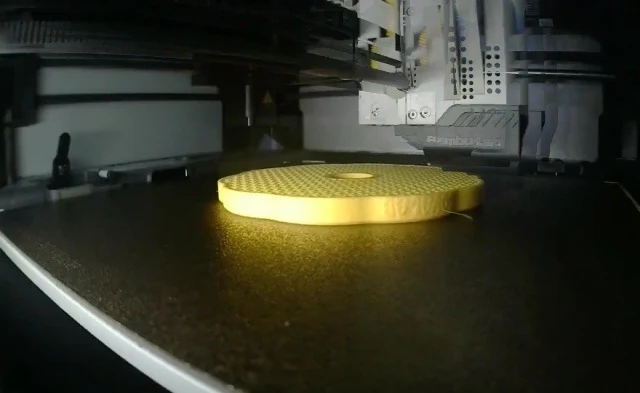
Vision watches the camera while a print runs and reports a suspected problem, such as spaghetti or a detached part. The analysis runs locally, on your computer. A result is a hint to check, not a guarantee.
 LIVE
LIVE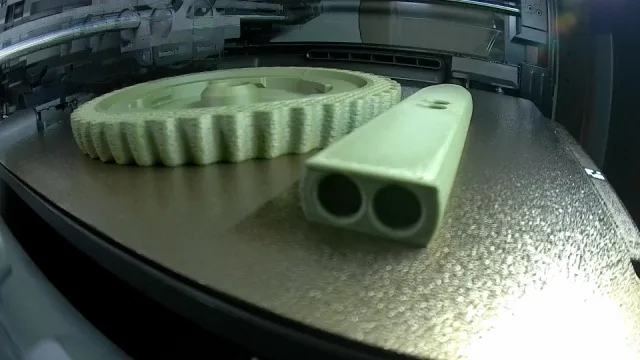 LIVE
LIVE01At a glance
At a glance
- Fast model
- Bundled with the app. It recognises ok, spaghetti and detached.
- Repeats
- An alert needs repeated observations, not a single frame.
- Photo in the alert
- The notification can include the very frame that triggered it.
02Step by step
Step by step
Check the camera
Open the printer details and check the picture and lighting. A dark or blocked view can’t be judged reliably.
Turn on watching
Settings → Advanced: turn on print watching, set the interval and the sensitivity.
Review the first alerts
Compare alerts with the picture on a few real prints and adjust the sensitivity if needed.
Label frames
“Mark defect…” in the printer details. A good print is as useful as a failure.
Export the data
“Export Vision data…” saves a ZIP with observations and labelled frames.
03Good to know
Good to know
- Labelling frames doesn’t train the model weights automatically.
- A defect you confirm can create a problem with a photo in Maintenance & service. A model alert alone doesn’t.
- You can point to your own ONNX model with model.json metadata (RGB 224 × 224 input).
- Vision doesn’t analyse resin printers. There is no confirmed universal accuracy for every camera.

Download Gantry for free.
macOS, Windows and Linux. No Gantry account, open source.