Analysis runs on your computer
Image analysis and the photo archive run locally, and the Gantry Vision Fast model comes with the app. You can also point it to your own ONNX model.
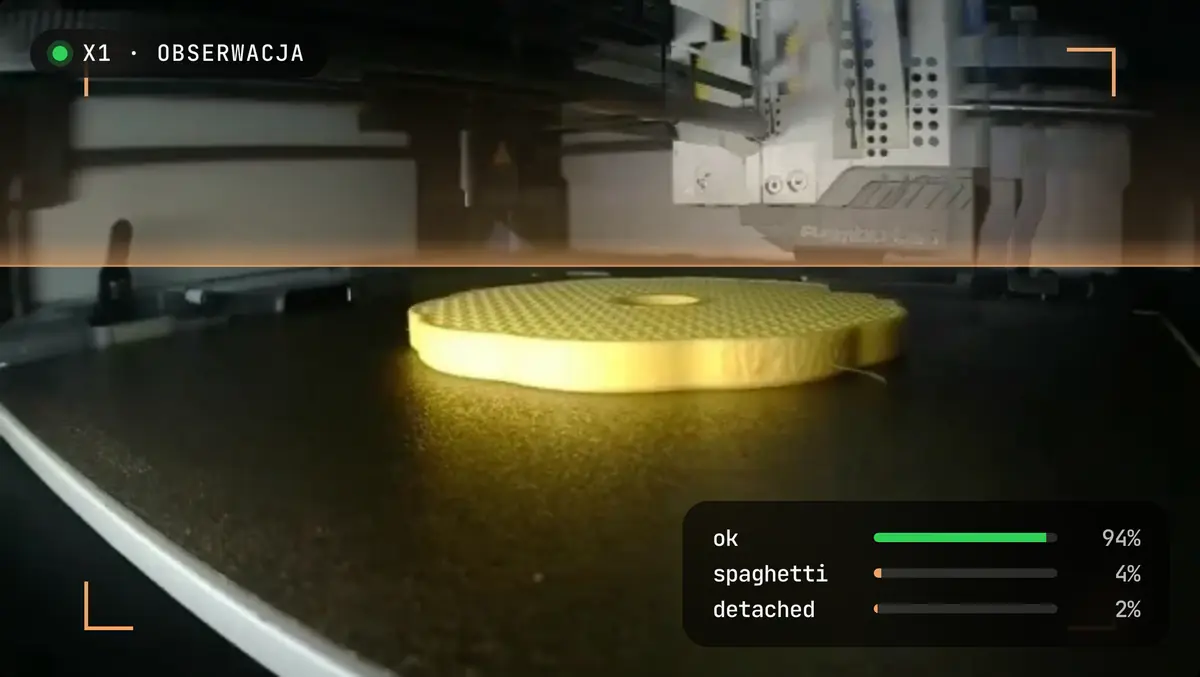
The notification shows what the camera saw
A notification can include the exact frame that triggered the alert.
Print stages go into an archive
Photos of the first layer, of 25%, 50% and 75% of the print, and of the end are saved to an archive you can export as a ZIP.
The decision is yours
An alert is a reason to check the printer, not a verdict. Only your confirmation creates a service report with a photo in Maintenance and service.
Frequently asked questions
Does the camera feed go to the cloud?
No. Image analysis and the photo archive run on your computer.
What does Gantry Vision need?
A camera and good lighting. A dark or blocked view does not give a reliable result.
How do I turn on Gantry Vision?
In Settings, under Advanced.

Download Gantry for free
The app runs on macOS, Windows and Linux, with no Gantry account and open source code.